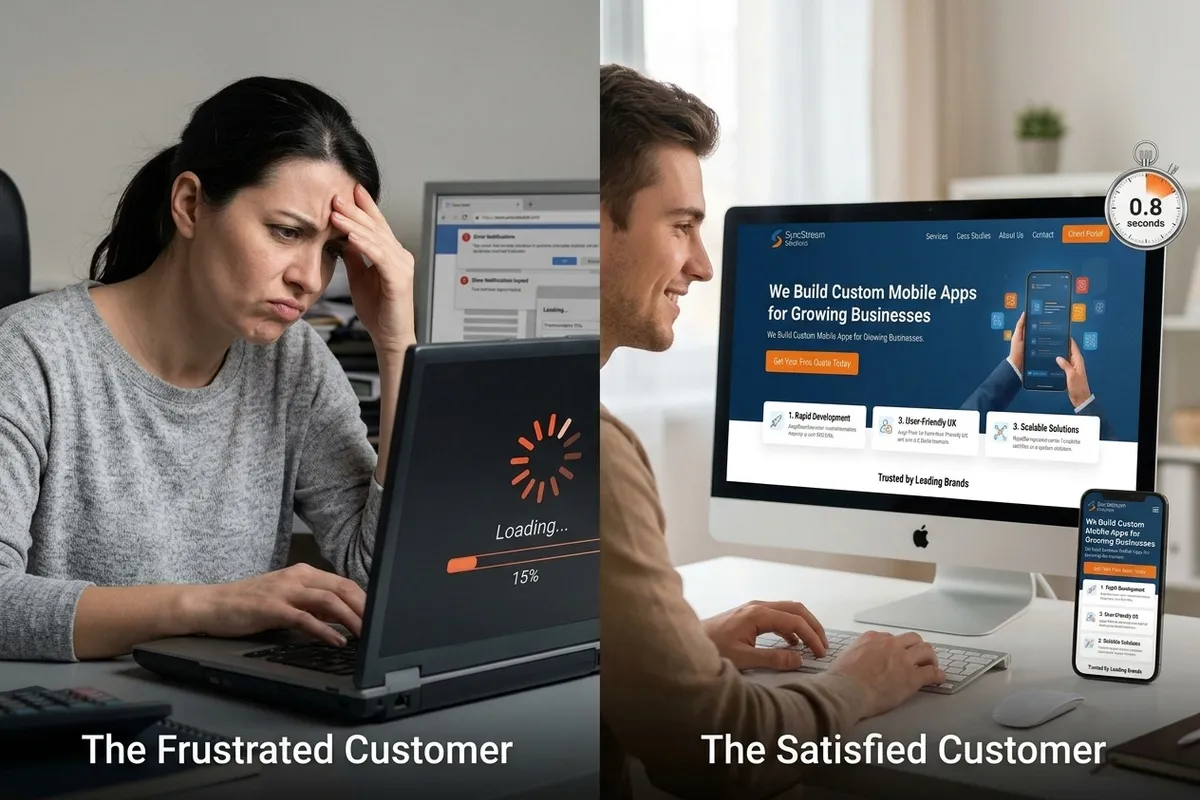
Why Your Website Isn’t Getting Customers: 10 Problems You Need to Fix
Why Your Website Isn’t Getting Customers: 10 Problems You Need to Fix
Your website should help you get customers, but having a website does not always mean people will contact you or buy from you.
If your small business website gets visitors but very few leads or sales, there may be problems stopping customers from taking action.
In this guide, we’ll look at 10 common website problems, from poor SEO and slow loading times to confusing messaging and weak calls to action.
You’ll learn how to identify these problems and make your website work harder for your business with the help of Melo Digitals.
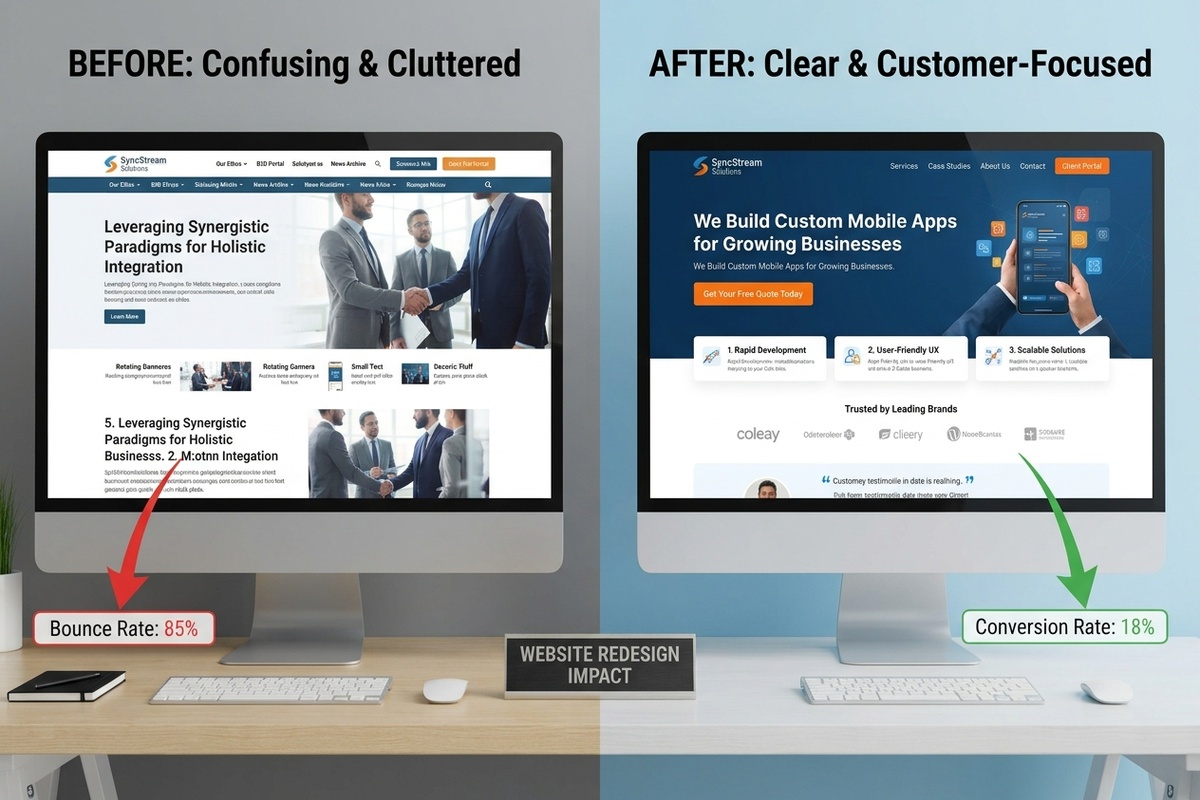
1. Your Website Doesn't Clearly Explain What You Do
Imagine someone searches Google for your service and clicks on your website.
They have one question:
"Can you help me?"
If they have to spend several minutes figuring out what your business does, you may lose them.
Your homepage should quickly tell visitors:
What you offer
Who you help
What problem you solve
Why they should choose you
What they should do next
A Real Example
Let's say you own a landscaping company.
Your headline says:
"Creating Beautiful Outdoor Experiences Since 2008."
It sounds nice, but it doesn't clearly explain what you do.
A stronger headline would be:
Professional Landscaping Services for Homes and Businesses
Now the customer immediately understands your service.
What to Fix
Use simple, customer-focused language.
Instead of focusing only on your company, focus on the customer's problem and the solution you provide.
2. Your Website Isn't Mobile-Friendly
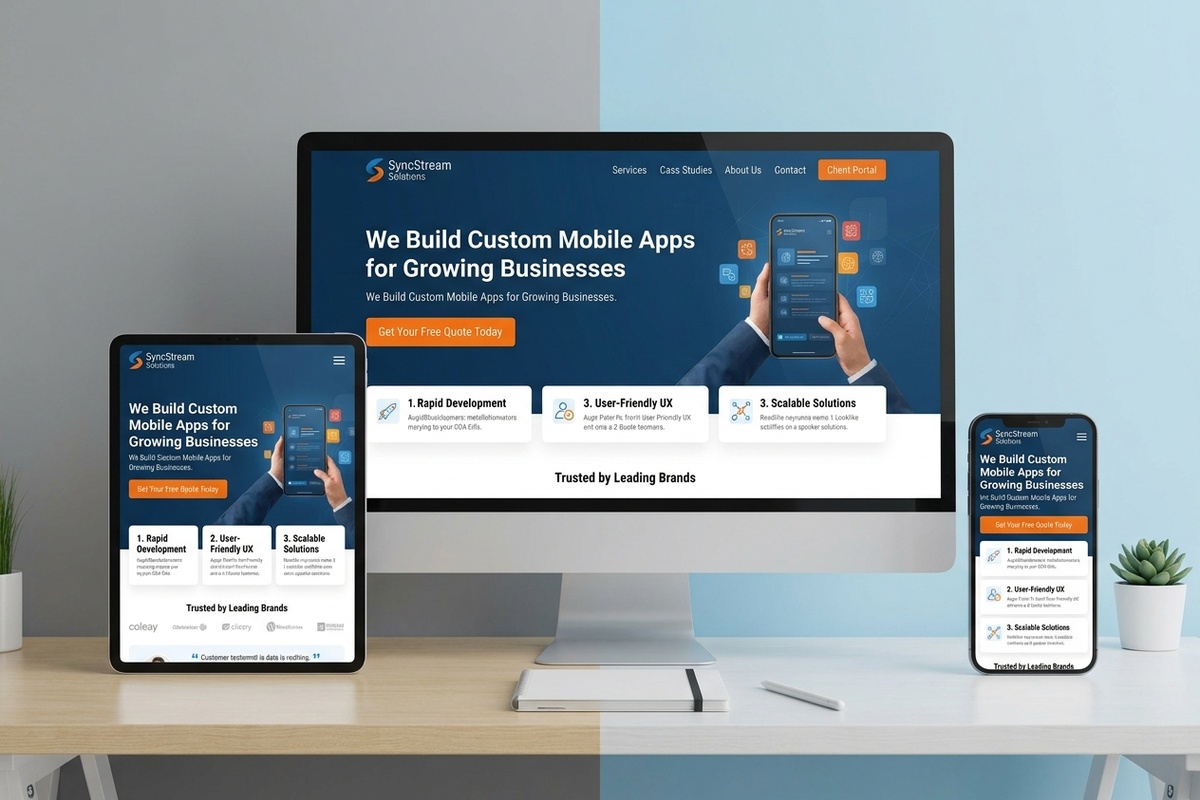
Your customers aren't only browsing from laptops.
They're using:
Smartphones
Tablets
Mobile devices
If your website looks great on a desktop but is difficult to use on a phone, you're creating unnecessary friction.
A visitor shouldn't have to zoom in just to read your text or struggle to press your contact button.
Check Your Mobile Website
Open your website on your phone and ask:
"Would I enjoy using this website if I were a customer?"
Look for:
Easy-to-read text
Simple navigation
Large clickable buttons
Properly sized images
Easy-to-complete forms
Fast loading pages
A mobile-friendly website gives visitors a smoother experience and can support better search visibility.
3. Your Website Loads Too Slowly
You've probably done it yourself.
You click a website.
You wait.
You wait again.
Then you leave.
Your potential customers behave the same way.
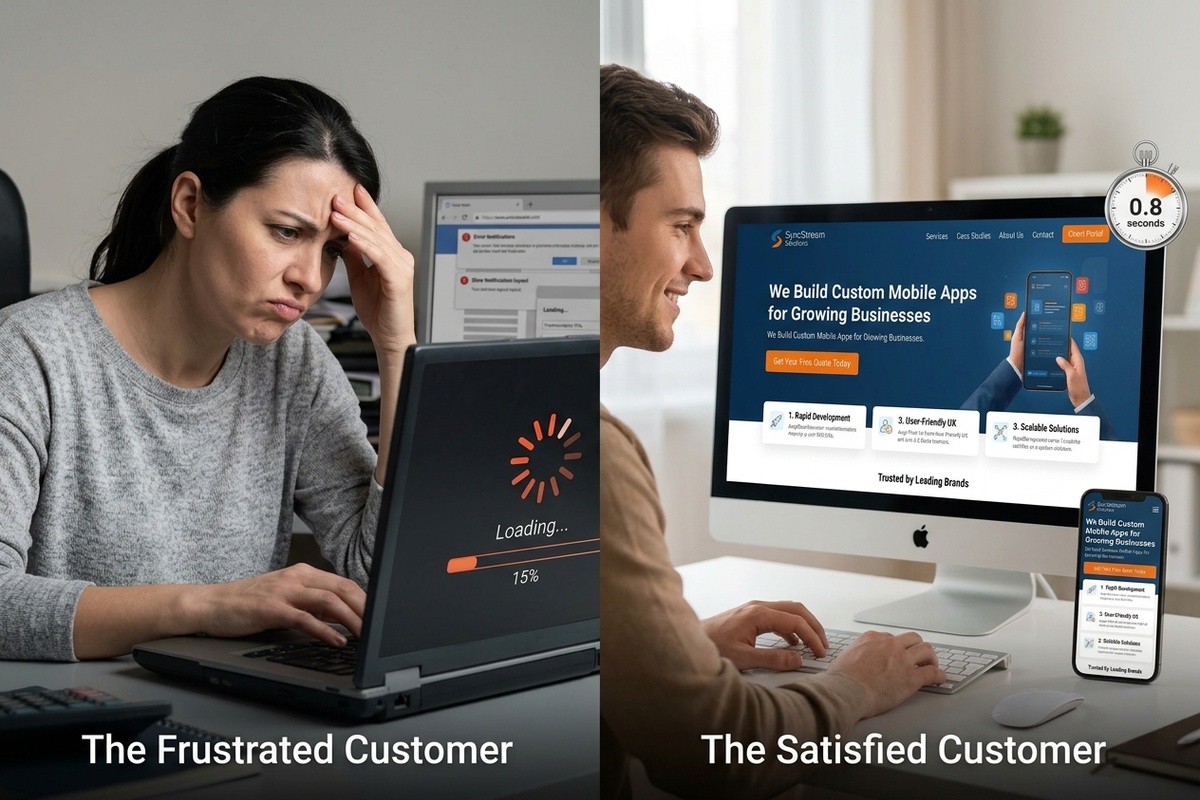
A slow website can hurt the user experience, website conversions, and SEO performance.
Common causes include:
Large image files
Too many plugins
Poor hosting
Unoptimized code
Too many scripts
Unnecessary website features
What You Can Do
Start by testing your website speed.
Then consider:
Compressing images
Removing unnecessary plugins
Improving website hosting
Optimizing images and code
Reducing unnecessary scripts
Improving page caching
Your website doesn't need to be complicated.
It needs to be fast, useful, and easy to use.
4. Your Calls to Action Are Weak or Missing
Imagine someone visits your website.
They like your service.
They trust your business.
They're ready to take the next step.
But they can't figure out what to do.
That's where a call to action (CTA) comes in.
Instead of ending your page with:
"Thanks for visiting."
Tell the visitor exactly what to do.
Try:
Get Your Free Quote
Book a Consultation
Request an Estimate
Schedule an Appointment
Talk to Our Team
Start Your Project
One Simple Rule
Don't make your visitor think:
"What do I do now?"
Make the next step obvious.
For Melo Digitals, for example, a website audit CTA could be:
Not Sure What's Holding Your Website Back? Get a Free Growth Audit.

5. Your Website Isn't Optimized for SEO
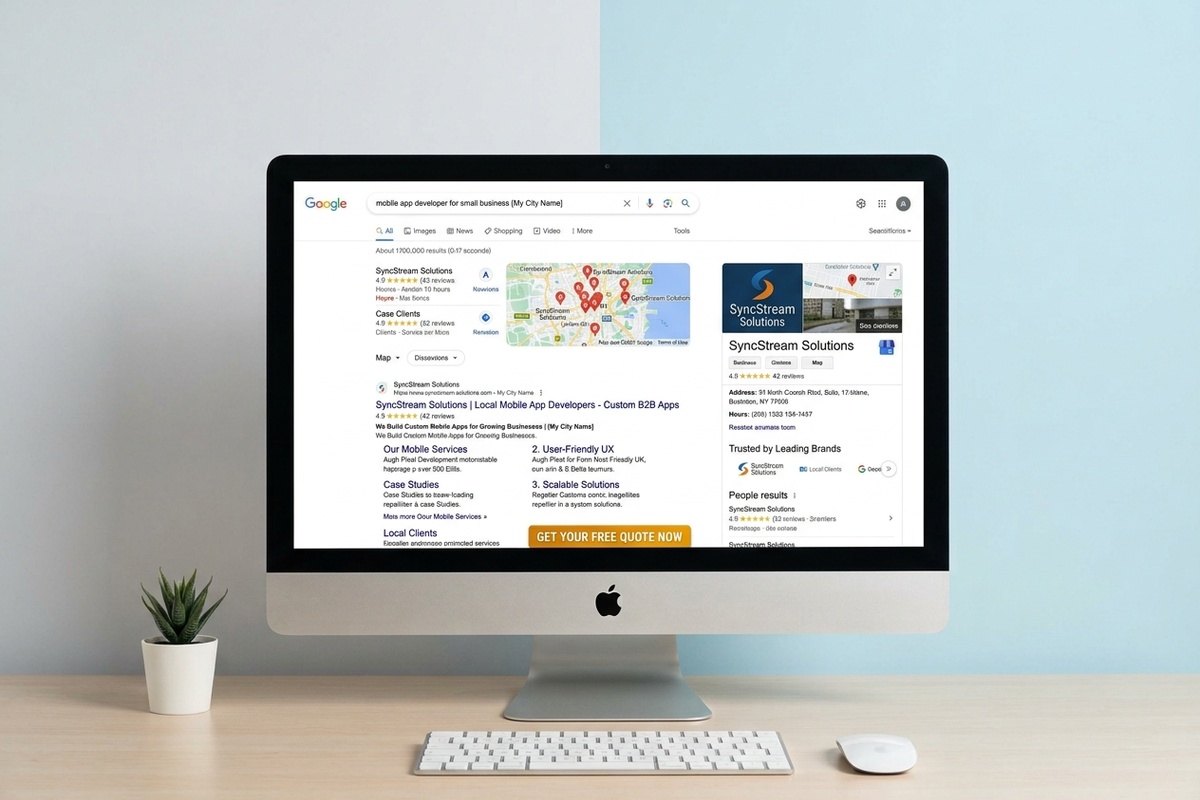
You can have the best website in your industry and still struggle to get customers if people can't find it.
That's where search engine optimization (SEO) comes in.
SEO helps your website become more visible when potential customers search for products and services you offer.
For example, a Toronto plumber may want to appear when someone searches:
Plumber in Toronto
Emergency plumber Toronto
Plumbing repair near me
Residential plumber Toronto
Common SEO Problems
Your website may have:
Weak or missing page titles
Poor keyword targeting
Thin content
Missing image alt text
Poor internal linking
Unoptimized pages
No local SEO strategy
What to Do
Start by understanding what your customers actually search for.
Then naturally include relevant SEO keywords in:
Page titles
Headings
Website copy
Blog posts
Image alt text
Meta descriptions
URLs
Don't write for search engines alone.
Write useful content that answers the questions your customers are asking.
.
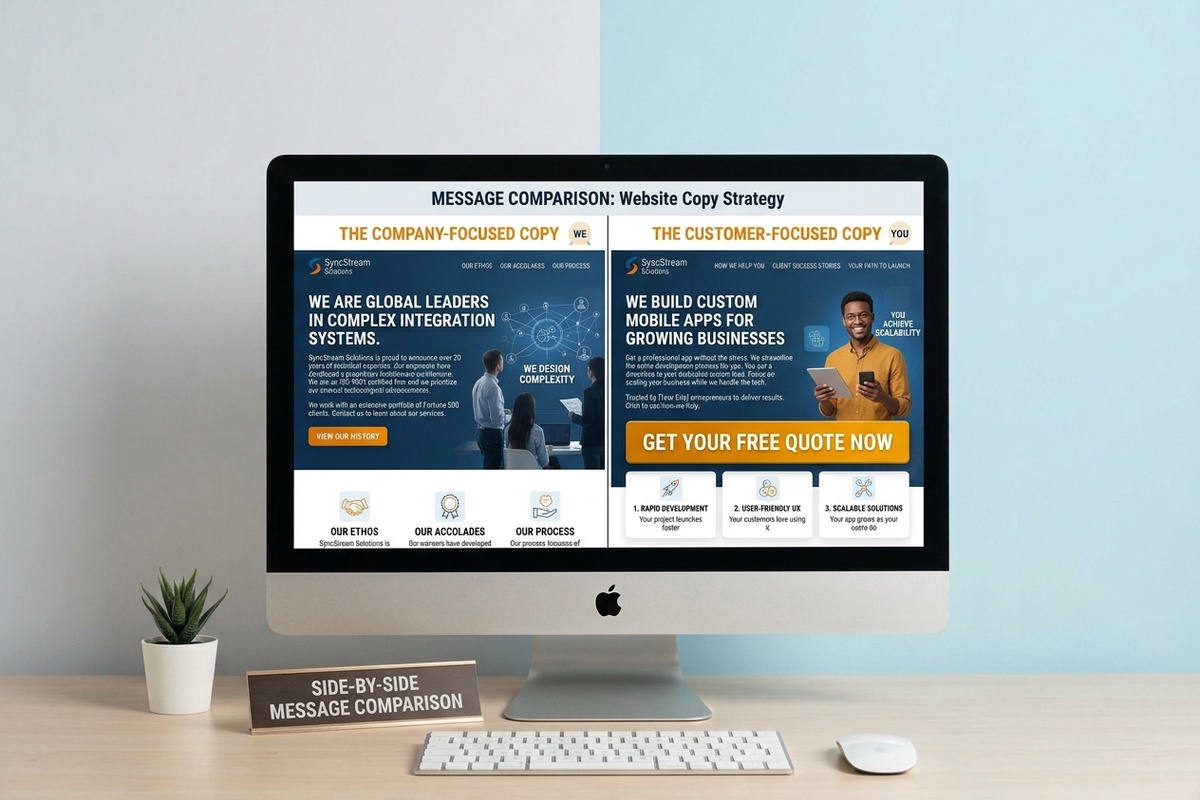
6. Your Website Talks Too Much About Your Business
Your customers care about your business.
But they care even more about their problem.
For example, a website might say:
"We have been serving customers for over 15 years with a highly experienced team."
That's useful.
But a customer may really want to know:
"Can you solve my problem quickly and affordably?"
Change your messaging from:
"We are great."
to:
"Here's how we can help you."
Try This Approach
For each major page, answer:
What problem does the customer have?
How do you solve it?
What results can they expect?
Why should they trust you?
What should they do next?
When your website speaks directly to the customer, your message becomes easier to understand.
7. Your Website Doesn't Build Enough Trust
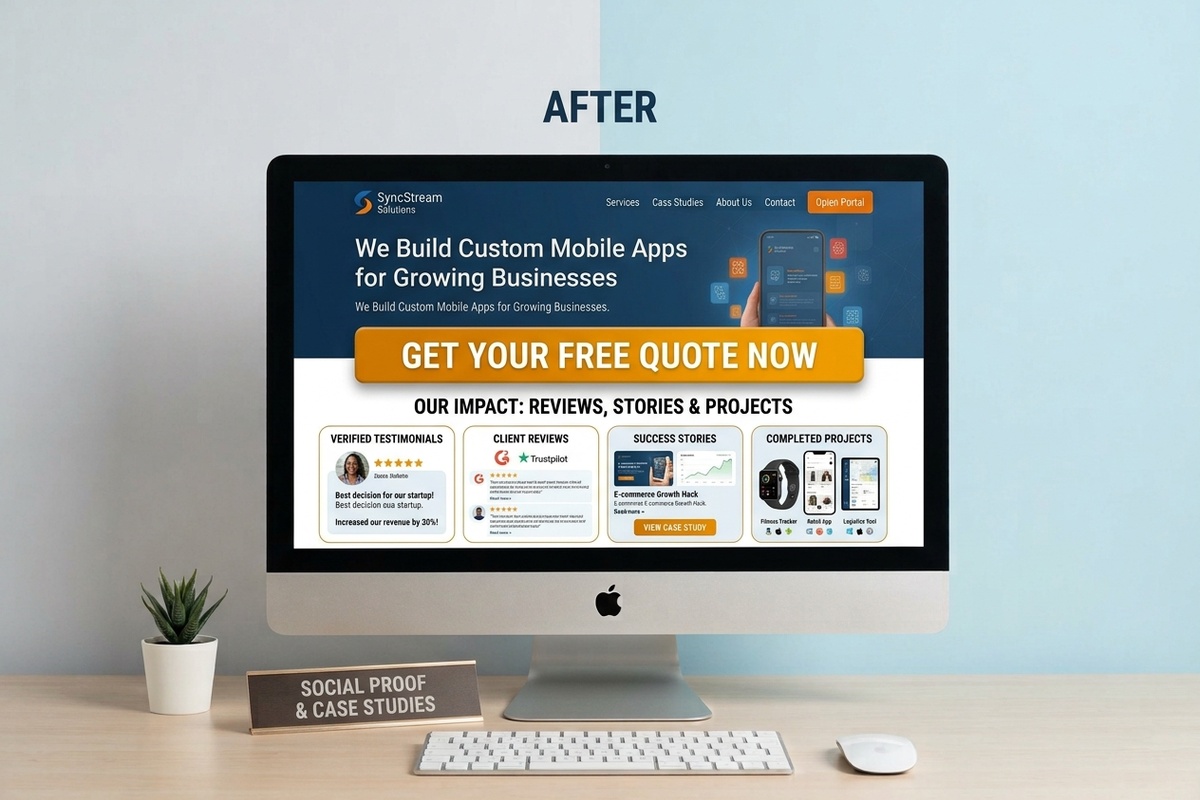
Before someone buys from you, they need a reason to believe you can deliver.
Your website should answer:
"Why should I trust this business?"
Add trust signals such as:
Customer reviews
Testimonials
Case studies
Project photos
Client logos
Certifications
Guarantees where appropriate
Team information
Clear contact details
A Simple Story
Imagine you're looking for a web design company.
You find two agencies.
The first has a modern website, customer reviews, case studies, project examples, and clear information about its process.
The second has an outdated website with no reviews, no examples, and very little information.
Which one would you contact?
Your website may be your customer's first impression of your business.
Make that impression count.
8. Your Contact Form Is Too Complicated
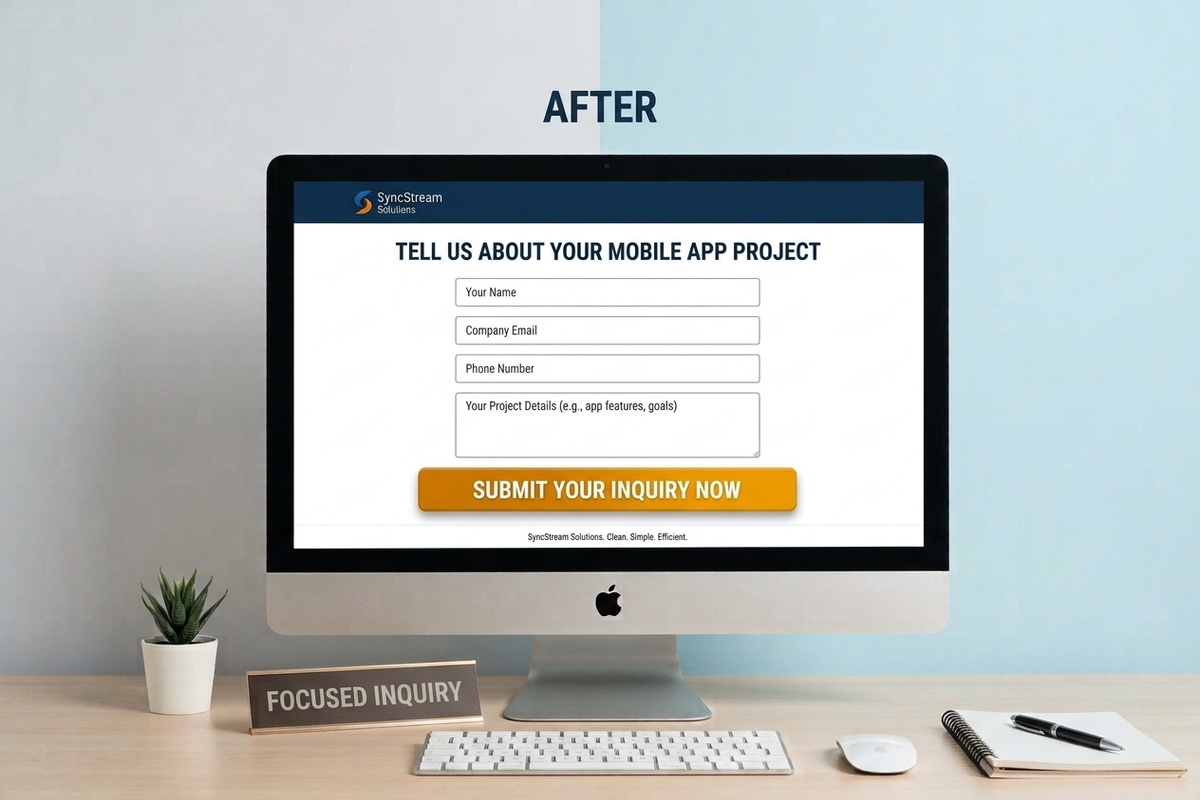
Your contact form should help you get leads.
It shouldn't scare them away.
If someone has to complete 15 fields just to ask a simple question, they may abandon the form.
For many businesses, a simple form is enough:
Name
Email
Phone
What can we help you with?
That's it.
You can collect more information later if you need it.
Make It Easy to Contact You
Depending on your business, give customers several options:
Contact form
Phone
Email
Online booking
Live chat
Social media
The easier you make it to contact you, the easier it becomes to turn website visitors into leads.
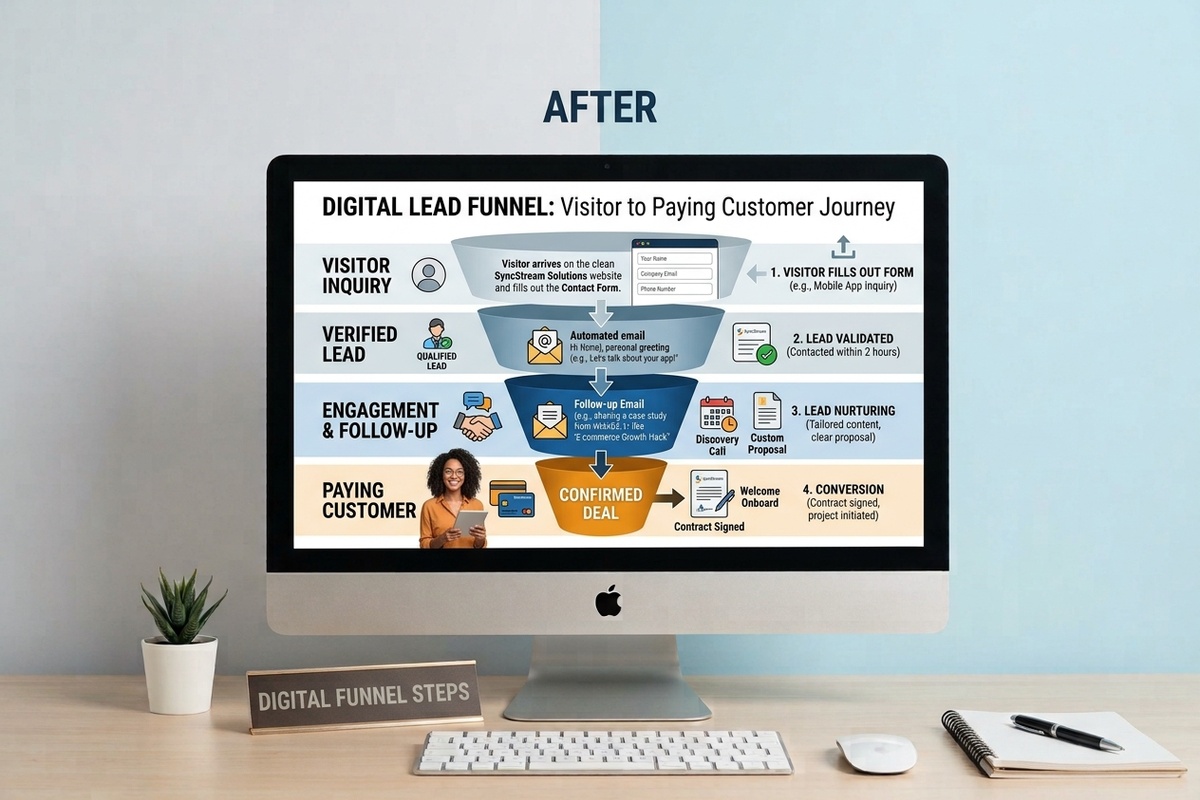
9. You're Getting Leads but Not Following Up
Here's a situation many small business owners experience.
A potential customer fills out your contact form.
You see the notification.
You're busy.
You plan to respond later.
Two days pass.
By the time you respond, the customer has already chosen another company.
Getting the lead is only the beginning.
Use a Simple Follow-Up Process
Think of your customer journey like this:
Lead comes in → Respond → Follow up → Nurture → Convert
You can improve your process by using:
Instant confirmation emails
Follow-up reminders
Appointment confirmations
Customer notifications
CRM systems
Marketing automation
This is one area where CRM and automation can make a major difference.
Instead of trying to remember every lead manually, your systems can handle repetitive tasks while you focus on running your business.
10. Your Website Has No Clear Growth Strategy
A website shouldn't exist just because every business "needs a website."
It should have a job.
Your website should help you:
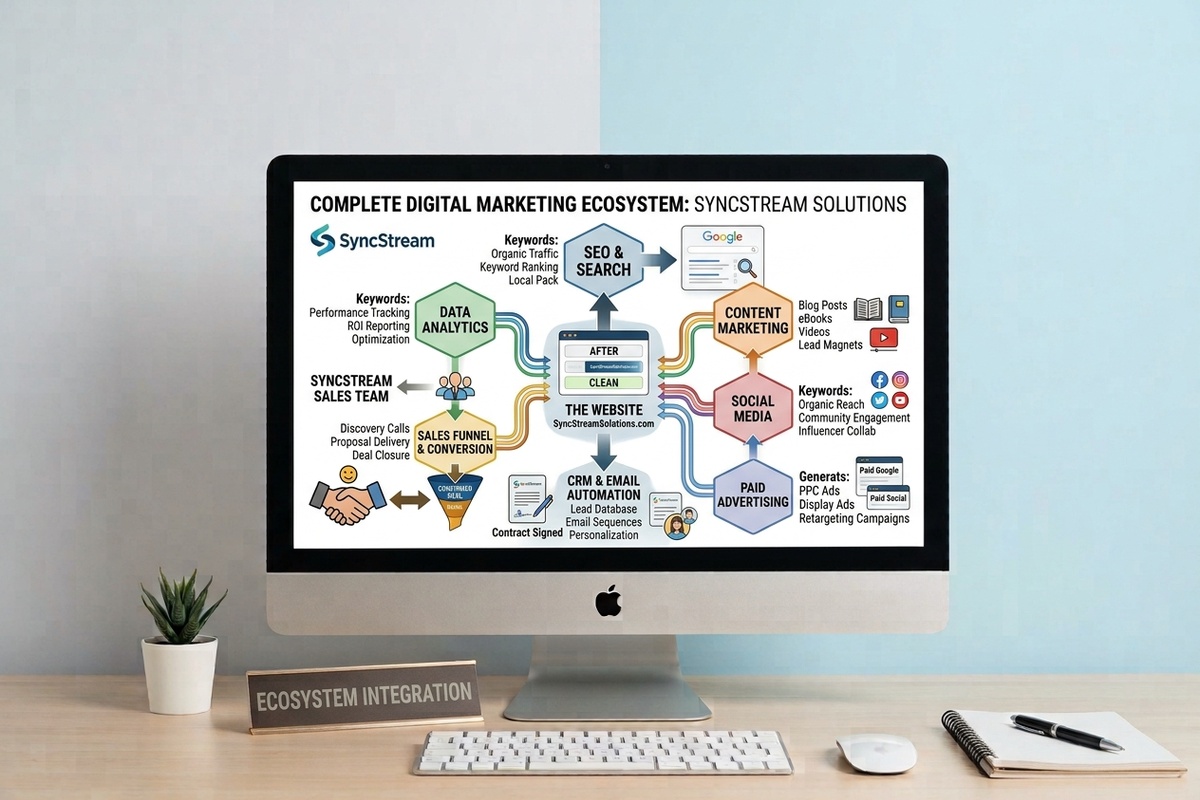
Get Found → Build Trust → Explain Your Offer → Generate Leads → Follow Up → Make Sales
Think about the entire customer journey.
Someone might discover you through Google.
They visit your website.
They read about your service.
They look at your reviews.
They see your work.
They click your CTA.
They fill out your form.
Your CRM records the lead.
You follow up.
The customer buys.
That's how your website, SEO, digital marketing, CRM, and sales process can work together.
Your Website Is Part of a Bigger System
At Melo Digitals, we believe your website shouldn't work alone.
Your online growth can involve:
Digital marketing
Website design and development
SEO
Content marketing
Social media management
Paid media advertising
CRM and automation
Graphic design and branding
Custom software and app development
When these pieces work together, your website becomes more than an online brochure.
It becomes a tool for growth.
How to Know Which Problem to Fix First
You don't need to fix everything at once.
Start with the biggest problem affecting your customer journey.
If You Have Very Few Website Visitors
Focus on:
SEO
Local SEO
Content marketing
Google Business Profile
Social media
Paid advertising
If You Have Visitors but Few Leads
Focus on:
Website messaging
Calls to action
Landing pages
Contact forms
Trust signals
User experience
If You Have Leads but Few Sales
Focus on:
Response time
Follow-up
CRM
Marketing automation
Lead nurturing
Sales process
This helps you avoid wasting money simply trying to get more website traffic when the real problem is what happens after visitors arrive.
Final Thoughts: Your Website Should Work for Your Business
If your website isn't getting customers, don't automatically assume you need more traffic.
The problem could be your messaging, SEO, mobile experience, page speed, calls to action, trust signals, contact forms, follow-up process, or overall digital marketing strategy.
The good news is that these problems can be fixed.
Start by identifying where potential customers are dropping off. Fix that problem, measure the results, and continue improving your customer journey.
Your website shouldn't simply tell people that your business exists.
It should help people find you, trust you, contact you, and become customers.
Ready to turn your website into a growth tool?
Melo Digitals can help you identify what's holding your website back and build a stronger digital system around your business.
Get in touch with Melo Digitals today and let's turn your website from a digital brochure into a system that helps bring in more leads, more customers, and more growth.
